
Introduction
JBL speakers deliver exceptional sound quality, making them a popular choice for music lovers. However, facing charging issues can be quite troublesome, as it disrupts your listening experience. If your JBL speaker isn’t charging, don’t worry—this guide is here to help. We’ll dive into identifying the problem, troubleshooting effectively, and implementing preventive measures to keep your speaker performing at its best.
Identifying the Problem
Understanding the root cause of the charging issue should be your first step. Perform these initial checks:
-
Inspect the Charging Cable and Adapter: Ensure the cable is connected properly to both the power source and the speaker. Try a different USB cable or adapter to eliminate hardware issues.
-
Validate the Power Source: Check if the power outlet is functional by testing it with another device.
-
Check the LED Indicator: Observe the LED light on your JBL speaker. An inactive LED can indicate a charging anomaly.
With these checks, you’ll be better equipped to address the specific cause of the charging failure.
Common Causes and Solutions for JBL Speaker Not Charging
Now that you have assessed the situation, it’s time to identify and fix common culprits:
-
Faulty Charging Cable or Adapter: Faulty charging components are a common source of issues. Use a replacement cable and a compatible adapter to see if that resolves the issue.
-
Damaged Charging Port: Debris in the charging port can impede connection. Carefully clean the port using a soft brush or compressed air.
-
Firmware and Software Issues: Sometimes, outdated firmware can cause problems. Connect your JBL speaker to its official app to check for software updates.
By addressing these common issues, you can often revive a non-charging speaker without further ado.
Step-by-Step Troubleshooting Guide
Basic solutions not doing the trick? It’s time for detailed troubleshooting. Follow these steps:
-
Swap and Test Charging Equipment: Already use the correct cable and adapter? Swap them for new ones to further isolate the issue.
-
Gently Clean the Charging Port: Accumulated dust might be the culprit. Use a gentle air blower or a soft, dry brush to remove any debris.
-
Update Speaker Firmware: Use the JBL app to connect your speaker and follow its instructions to update the firmware.
These steps will guide you in determining the speaker’s charging dilemma.
Advanced Troubleshooting Techniques
If simpler methods fall short, consider these advanced options:
-
Execute a Factory Reset: A reset can occasionally rectify underlying software glitches. Refer to your speaker’s manual for specific reset instructions based on the model.
-
Try Alternative Charging Methods: Charge via a powered USB port or power bank to see if a different power source changes the outcome.
These methods tackle deeper issues that standard solutions might not resolve.
Evaluating Battery Condition and Replacement
An aging battery may be behind your issues. Evaluate with these steps:
-
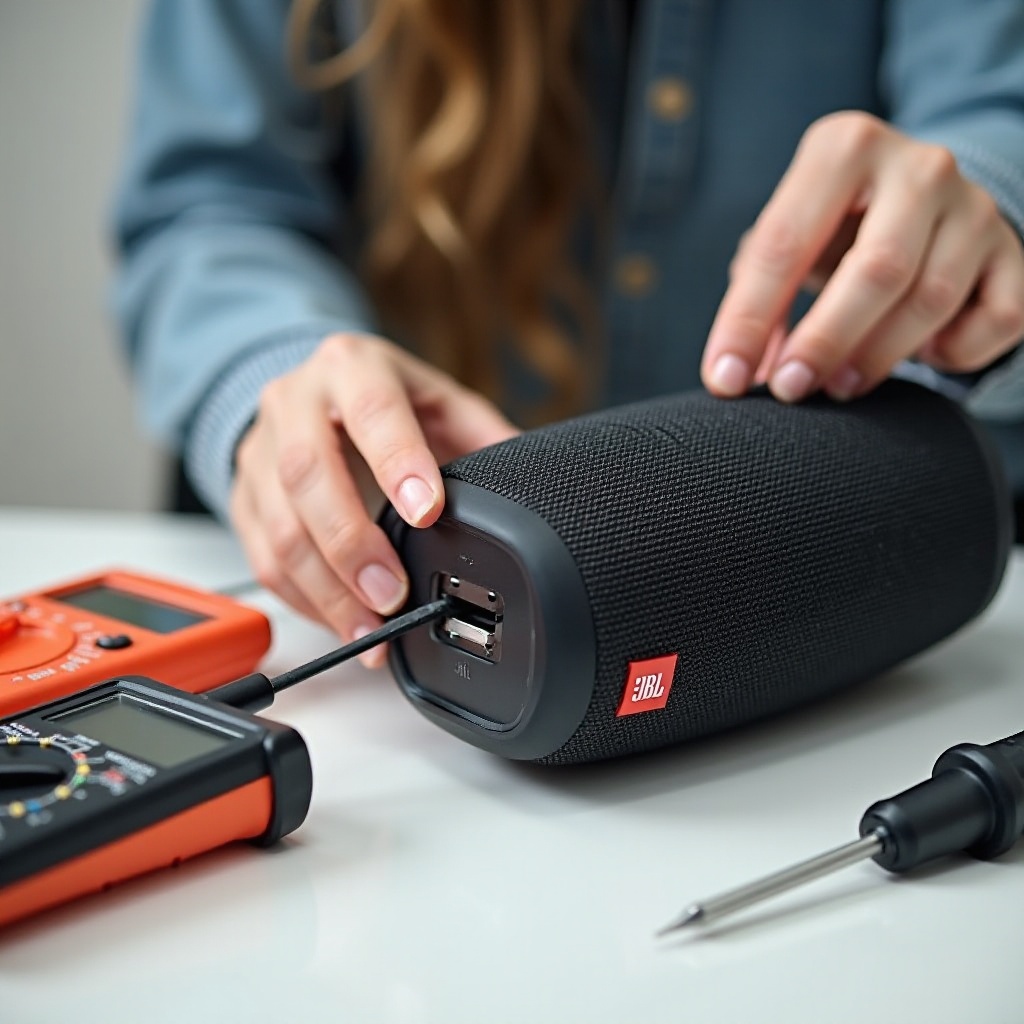
Assessing Battery Capacity: Applications or built-in tools can help check battery health and capacity. Observing how quickly it drains can also be a telltale sign.
-
Exploring Replacement Options: Should diagnosis point to the battery, reach out to JBL support for replacement options. Certified repair professionals can handle installations safely.
Understanding your battery’s status is crucial to ensuring your speaker’s longevity.
When to Seek Professional Assistance
If DIY attempts prove futile, it may be time to contact experts:
-
Determining the Need for Professional Help: Persistent issues despite comprehensive troubleshooting suggest professional evaluation may be necessary.
-
Navigating JBL Warranty and Customer Support: Review warranty terms and reach out to JBL’s support for guidance on repair or replacement.
Recognizing when to seek help can avert prolonged downtime and additional complications.
Preventive Measures
Preventing future issues is as important as solving them. Follow these tips:
-
Maintaining Speaker Health: Regularly clean and store your speaker properly, avoiding exposure to extreme conditions.
-
Adopting Safe Charging Practices: Stick to using recommended cables and adapters, and avoid prolonged charging.
Implementing these practices ensures your JBL speaker remains in prime condition.
Conclusion
With the right steps and attention, JBL speaker charging problems can be resolved efficiently. From identifying causes to executing solutions and seeking help when needed, this guide has you covered. Regular maintenance and smart charging habits can prevent future woes and guarantee a long-lasting relationship with your JBL speaker.
Frequently Asked Questions
Why is my JBL speaker not charging even though it’s plugged in?
Possible causes include a defective charging cable, damaged port, or software issues. Check each component carefully.
How can I reset my JBL speaker if it won’t charge?
Press a combination of buttons specific to your model. Refer to the manual for detailed instructions.
Is it possible to replace the battery in my JBL speaker myself?
Though possible, it’s advisable to consult JBL support or visit an authorized repair center to ensure proper handling and warranty maintenance.