
Introduction
Many MacBook users encounter the frustrating issue of bezel cracks, which impact both the aesthetics and functionality of their devices. These fractures may seem minor initially, but they can lead to more severe issues if not addressed. Recognizing what a bezel crack is, comprehending its effects, and knowing how to prevent and repair it can save you time, money, and hassle.

What is a MacBook Bezel Crack?
Let us delve into the specifics to help you identify and understand MacBook bezel cracks.
Definition and Identification
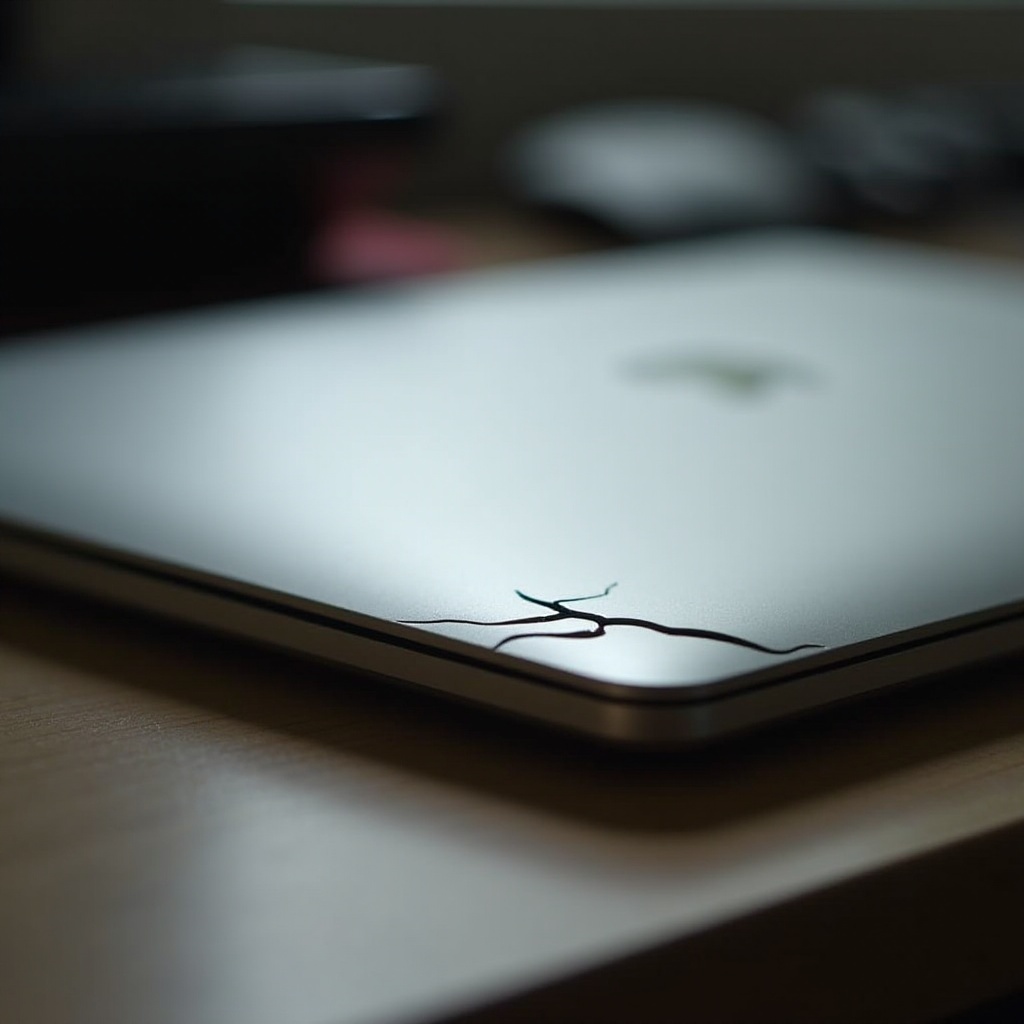
A MacBook bezel crack refers to the fissures or splits in the frame surrounding the laptop screen. Typically, these cracks appear along the edges and corners, where stress often accumulates. Spotting them early involves regularly checking your device for any visible splits or signs of separation.
Common Causes of Bezel Cracks
Several factors contribute to bezel cracks:
- Physical Damage: Drops and bumps are prevalent causes. Even small impacts can cause stress fractures.
- Manufacturing Defects: Occasionally, poor material quality or design flaws can make bezels more susceptible to cracking.
- Pressure: Overfilling your laptop bag or putting heavy objects on your MacBook can exert pressure, leading to cracks.
Understanding these causes is essential for preventing bezel damage.
The Impact of Bezel Cracks on Your MacBook
Now that you understand bezel cracks and their causes, it is crucial to comprehend their impact.
Aesthetic Concerns
Bezel cracks are unattractive and can mar the sleek, professional appearance of your MacBook. If you value the look of your gadgets, these cracks may be particularly bothersome.
Potential Effects on Display and Hardware
Beyond aesthetics, bezel cracks can jeopardize your MacBook’s performance. Over time, these cracks may widen, potentially compromising the screen’s integrity and internal components. This risk underscores the importance of addressing bezel issues quickly to avoid costly repairs.
Preventive Measures for MacBook Bezel Cracks
Preventing bezel cracks is feasible and begins with how you handle your MacBook.
Safe Handling Practices
- Avoid Dropping: Handle your MacBook carefully. Use both hands to transport it, and avoid unstable surfaces.
- Use a Protective Sleeve: Invest in a quality case or sleeve that can absorb shocks during falls.
- Be Mindful of Environment: Keep your MacBook away from extreme heat or cold, as these conditions can weaken the materials.
Recommended Protective Accessories
- Hard Cases: A sturdy external case can protect the bezels and the rest of the MacBook from accidental damage.
- Screen Protectors: Though primarily for screens, they can add a protective layer along the edges.
- Laptop Bags with Padding: Opt for a bag with padded compartments to cushion your MacBook during transport.
Implementing these preventive measures helps prolong the life of your MacBook, reducing the need for repairs.

Repairing Bezel Cracks: DIY vs. Professional Help
If you encounter a bezel crack, deciding between a DIY repair or seeking professional assistance is critical.
DIY Solutions and Precautions
For minor cracks:
- Adhesive Solutions: A clear epoxy resin can sometimes mend small bezel fractures. Follow product instructions carefully.
- Temporary Fixes: Tape can be a temporary solution until a more permanent repair is performed.
When to Seek Professional Repair Services
For larger or more complex cracks:
- Consult an Expert: If DIY seems risky or the crack threatens the screen, professional help is advisable.
- Repair Costs: While potentially higher, professional repair can ensure the crack is fixed without causing further damage.
Balancing cost with the repair’s effectiveness is crucial for making the right choice.
Exploring Warranty and Repair Policies
Before proceeding with repairs, understanding your options under Apple’s service policies is crucial.
Apple’s Warranty Coverage
Apple’s standard warranty may cover bezel cracks if due to a manufacturing defect. However, damages from drops or other physical impacts may not be included.
Third-Party Repair Options
Consider third-party repair services if your warranty does not cover the crack. Many offer competitive pricing and handle repairs swiftly, though it is important to choose a reputable provider.
Knowing your warranty options can save money and ensure your MacBook receives quality care.
Long-term Care and Maintenance Tips
Maintaining your MacBook to prevent future issues is key for longevity.
Regular Maintenance Practices
- Clean your MacBook regularly using the right cleaning agents.
- Schedule periodic checks for hardware issues or potential cracks.
Protective Cases and Covers
Further invest in protective gear that suits your MacBook’s use. Ensure any case or cover does not add undue pressure on the device.
Routine care and using appropriate protection enhances your device’s life and performance, keeping bezel issues at bay.
Conclusion
MacBook bezel cracks are not insurmountable. Through careful handling, preventive measures, and knowing when to seek help, you can keep your device looking good and functioning well. Prevention is your best strategy, but prepared action is vital if a crack does occur.
Frequently Asked Questions
Can a bezel crack affect my MacBook’s performance?
Yes, besides aesthetic damage, cracks can widen and potentially affect the screen and internal components.
Is bezel repair covered under Apple warranty?
Typically, Apple covers manufacturing defects, but not damage from drops or misuse. Check your specific warranty terms.
What are the best preventive measures for bezel cracks?
Use a protective case, handle your MacBook with care, and avoid exposing it to extreme conditions.