
Introduction
Apple Watches combine sophisticated style with cutting-edge technology, making them a favorite among tech enthusiasts. Unfortunately, with their frequent use, accidents can occur, and screens can get damaged. When faced with a cracked or broken screen, many users wonder: Can the Apple Watch screen be fixed? This guide provides insights into various repair options, from official Apple services to DIY methods, to help you make an informed decision.
Understanding Apple Watch Screen Damage
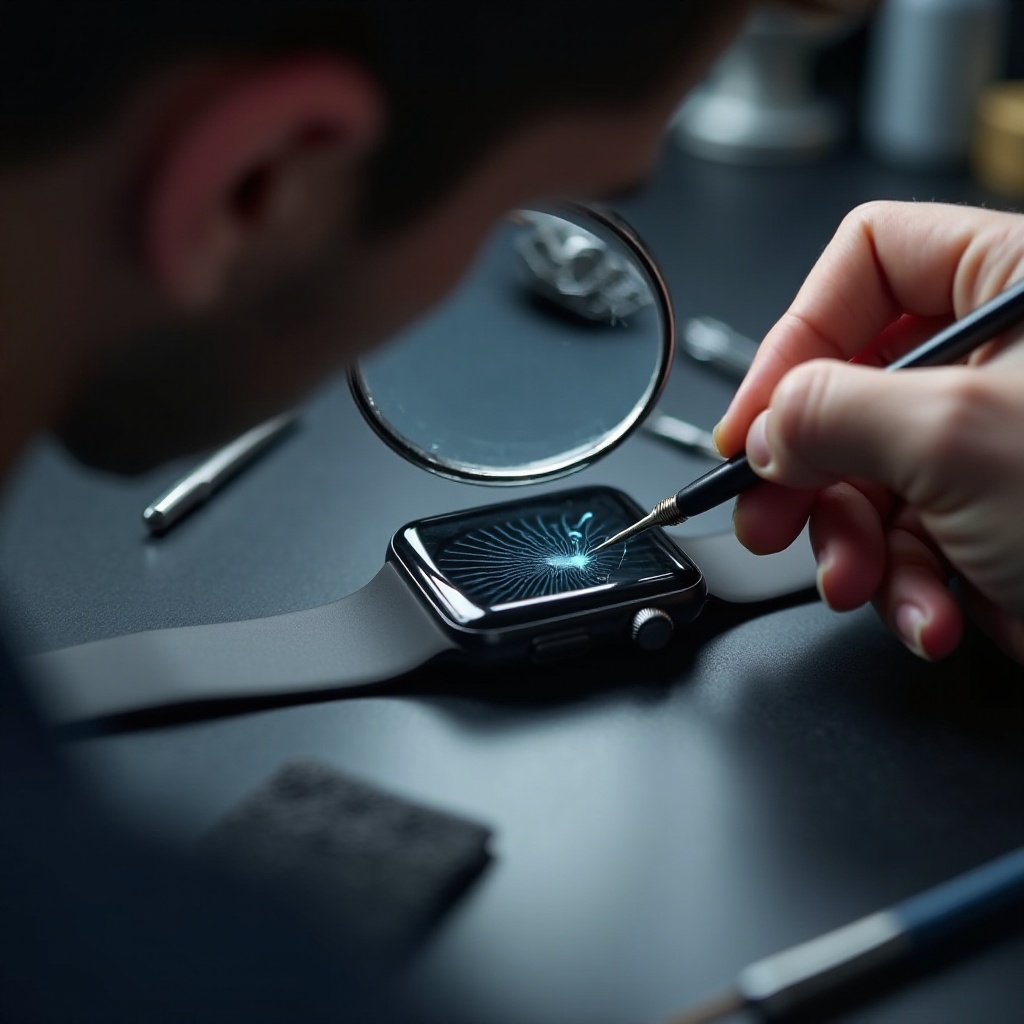
Despite being crafted with durability in mind, Apple Watch screens are susceptible to damage. Knowing the specific type of damage is crucial for determining the appropriate repair strategy. Types of screen damage include minor scratches that affect the aesthetic, more severe cracks that can hinder functionality, and shattering that can render the watch non-functional. Assessing the severity of the damage is essential, as it helps you decide between professional and DIY repairs. Proper assessment sets the stage for choosing the optimal repair path.
Official Repair Options
Opting for an official repair through Apple is a direct method to address screen issues and maintain the device’s integrity. Apple provides repair services through their stores and authorized service centers. While these repairs ensure the use of genuine parts, they can come at a premium price. Warranties and AppleCare can significantly reduce the overall cost if the damage falls under coverage. A clear understanding of official options is beneficial for those who prioritize reliability and quality in repairs, even with the associated costs.
DIY Repair for Apple Watch
For those with a penchant for hands-on solutions, DIY repair offers both savings and a sense of accomplishment. Essential tools include a replacement screen kit, precision screwdriver set, tweezers, and plastic opening tools. Here is a step-by-step guide to repairing the screen:
1. Organize your workspace and tools.
2. Completely power off the Apple Watch.
3. Remove the watch bands carefully.
4. Use a heat gun to soften the adhesive around the screen.
5. Carefully pry the screen open using a plastic tool.
6. Disconnect the battery connector with tweezers.
7. Remove the damaged screen and insert the new one.
8. Reconnect the battery connector and seal the screen.
While DIY repairs can be cost-effective, they come with risks, including potential damage to the watch and voiding the warranty. Successfully executing a DIY repair requires caution and a willingness to accept these risks.
Choosing a Professional Repair Service
If DIY repairs seem daunting, professional repair services provide a reliable alternative. Finding certified technicians ensures expertise, and reviews can guide you to trustworthy providers. Comparing costs across services ensures you receive quality service at a fair price. While professional repairs typically cost more, the peace of mind offered by experienced technicians often outweighs the expense, making this a worthwhile consideration for many users.
Comparing DIY vs Professional Repairs
Deciding between DIY and professional repairs involves a careful analysis of cost, time, and risk. DIY repairs save on labor costs but come with the risk of further damage and warranty voidance. Professional repairs guarantee quality and expertise but at a higher cost and often longer wait times. Weighing the pros and cons of each option is crucial for making an informed decision. Your choice should align with your comfort level and the value you place on convenience and reliability.
Preventing Future Screen Damage
Taking preventive measures is ideal for maintaining the longevity of your Apple Watch. Screen protectors and protective cases are effective in shielding the device from damage. Keep the watch away from harsh environments and handle it with care to further reduce risks. Implementing these strategies not only helps preserve the watch’s functionality but also alleviates the need for frequent repairs.
Conclusion
Repairing an Apple Watch screen is achievable through various methods—each with its own benefits and challenges. Whether opting for DIY repairs or professional services, users can restore their devices to working condition. By understanding the nature of the damage and evaluating the options, you can make an educated decision. Additionally, preventive steps can minimize future risks and ensure the longevity of your smartwatch.
Frequently Asked Questions
How much does it cost to repair an Apple Watch screen?
The repair cost varies. Apple charges between $160 and $800 depending on the model and warranty status. Independent repair shops might offer lower rates.
Will repairing my Apple Watch void its warranty?
Repairs performed by Apple will not void the warranty. However, DIY repairs or using unauthorized services could void the warranty.
Can I use my Apple Watch if the screen is cracked?
Yes, but using a cracked screen can worsen the damage and affect the touch response. It’s advisable to seek repairs sooner rather than later.