
Introduction
The Nintendo Wii is a beloved gaming console known for its interactive gameplay and unique features. To keep your Wii running smoothly, knowing how to reset it properly is crucial. Resetting can address performance issues, resolve glitches, and maintain your console in top condition.
Understanding the Different Types of Resets
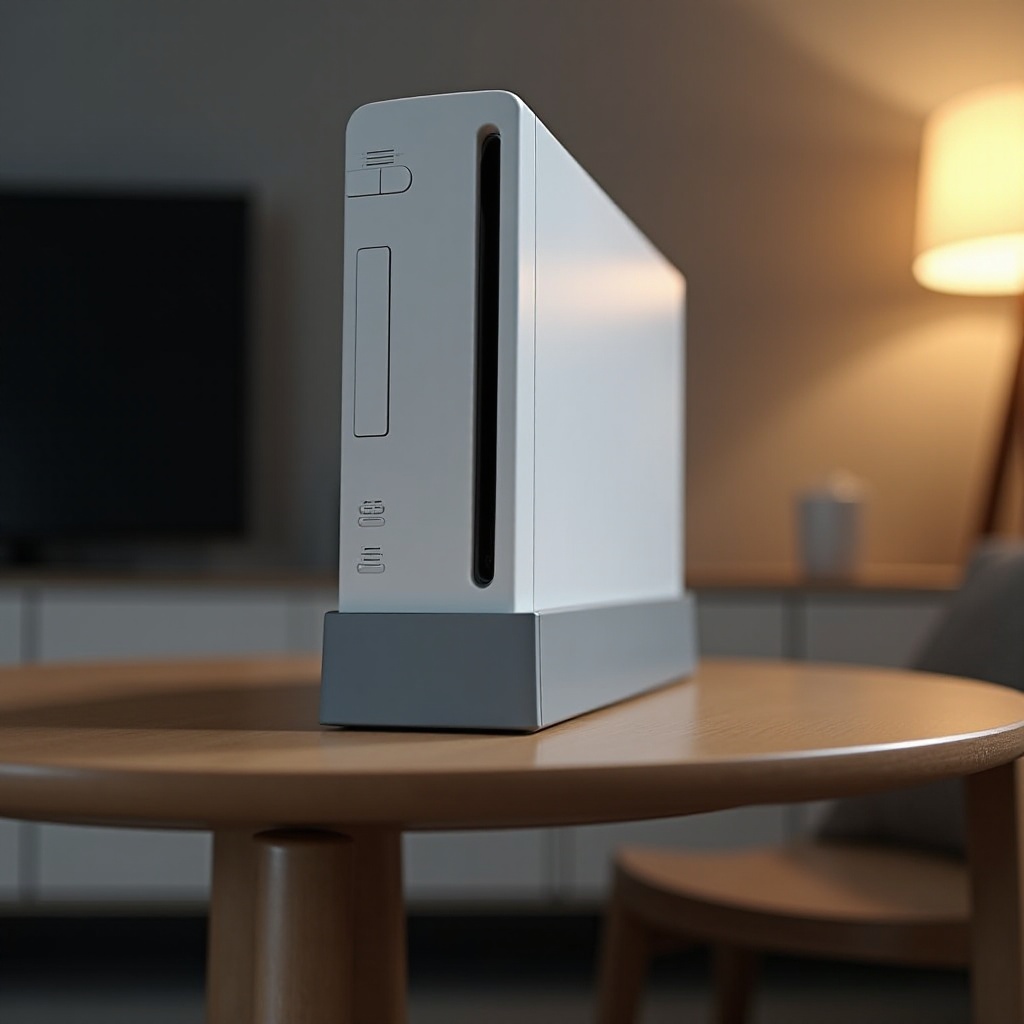
Resetting your Wii comes in three distinct forms: soft, hard, and factory resets. Each serves a unique purpose. Deciphering these differences allows you to choose the appropriate method without risking unnecessary data loss or inconvenience.
- Soft Reset: This quick solution addresses minor glitches without deleting saved data. It’s like rebooting a computer to address temporary issues.
- Hard Reset: More intense than a soft reset, a hard reset involves shutting off the power to tackle more stubborn problems like unresponsiveness.
- Factory Reset: This comprehensive reset returns your Wii to initial settings, wiping all data. It’s a last resort for persistent issues.
Starting with this knowledge, you can move forward confidently with any necessary action.
How to Perform a Soft Reset
For minimal disruptions, a soft reset is ideal for small issues, such as freezing during a game or app.
- Ensure the console is powered on.
- Press the ‘Reset’ button on the front panel.
- Allow the system to reboot.
A soft reset provides a swift resolution without the risk of data loss, enabling uninterrupted enjoyment of your Wii.
How to Perform a Hard Reset
When confronting problems a soft reset can’t solve, a hard reset may be required. This action resolves non-responsive consoles or persistent errors.
- Turn off the Wii by holding the ‘Power’ button until the red light appears.
- Disconnect the power cable.
- Wait five minutes before reconnecting.
- Power the console back on.
Hard resets provide strong solutions when less invasive methods fail, reinstating console functionality when it’s crucial.
How to Perform a Factory Reset
A factory reset should only be considered when absolutely necessary. This reset erases all personal data and returns the console to its default state.
- Access the Wii menu and select ‘Wii Settings.
- Navigate to the final page and choose ‘Format Wii System Memory.
- Confirm the action to proceed.
This is the ultimate method for dealing with persistent, irreversible errors and should be approached with caution.
Post-Reset Steps and Maintenance
After any reset, restoring and updating your console ensures seamless operation and optimal performance.
- Reinstall games and channels via the Wii Shop Channel.
- Re-enter network details to reconnect to Wi-Fi.
- Check for system updates to keep software current.
These steps restore the full functionality and enhance your console experience by minimizing issues post-reset.
Additional Tips for Wii Console Users
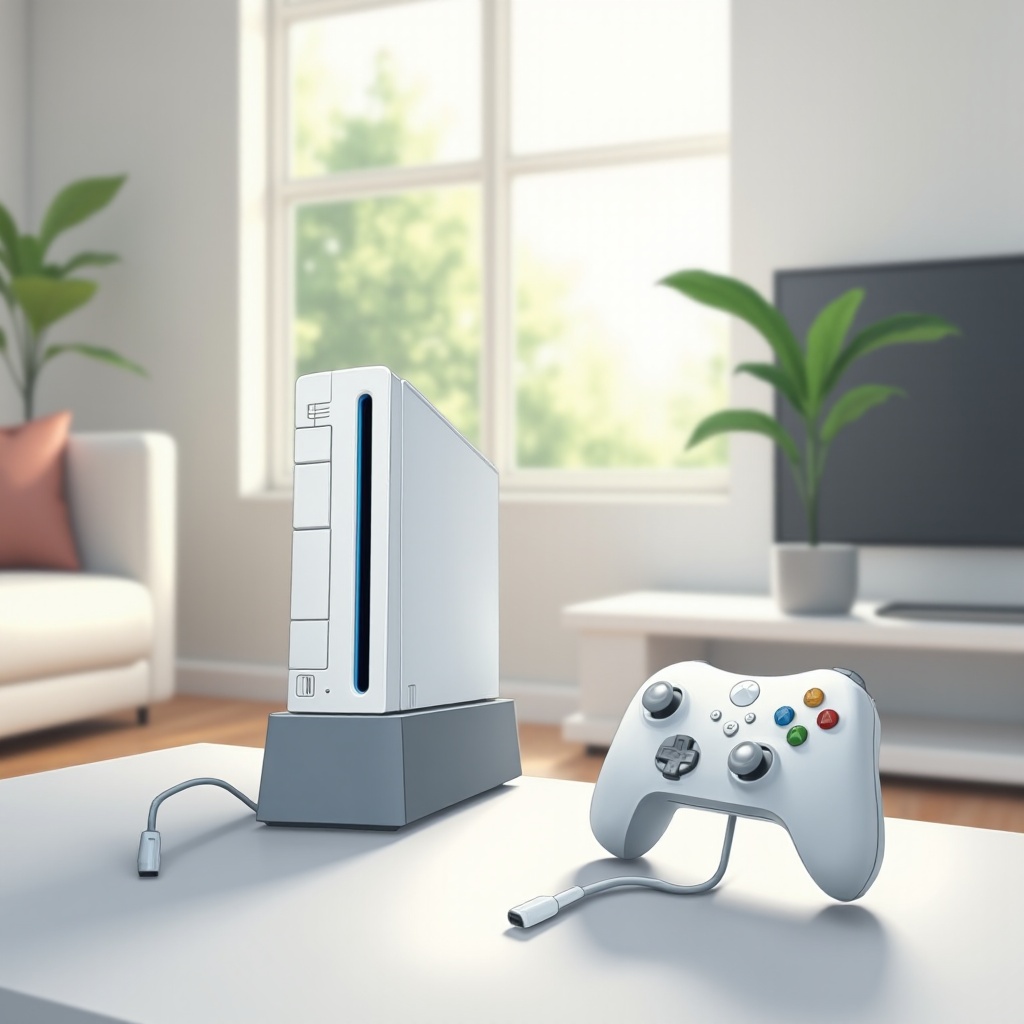
Prevent unnecessary resets by practicing regular maintenance and adopting sound gaming habits.
- Keep software updated through the Wii System Menu.
- Protect against physical damage with careful handling.
- Ensure proper ventilation to prevent overheating.
These suggestions maintain your Wii’s longevity, allowing it to continue providing entertainment without frequent disruptions.
Conclusion
Mastering the reset process of your Wii console ensures it remains a reliable part of your entertainment setup. Understanding the nuances of soft, hard, and factory resets, alongside diligent maintenance, guarantees a stellar gaming experience every time.
Frequently Asked Questions
What is the difference between a soft reset and a hard reset on the Wii?
A soft reset is a simple restart that does not affect data, while a hard reset involves powering down the system to resolve more severe issues.
Will resetting my Wii delete my games and saved data?
Soft and hard resets won’t delete data, but a factory reset will erase all personal settings and saved games.
How often should I reset my Wii console for optimal performance?
Reset your Wii only as needed for resolving issues. Regular updates and proper care are more important for maintaining performance.