
Introduction
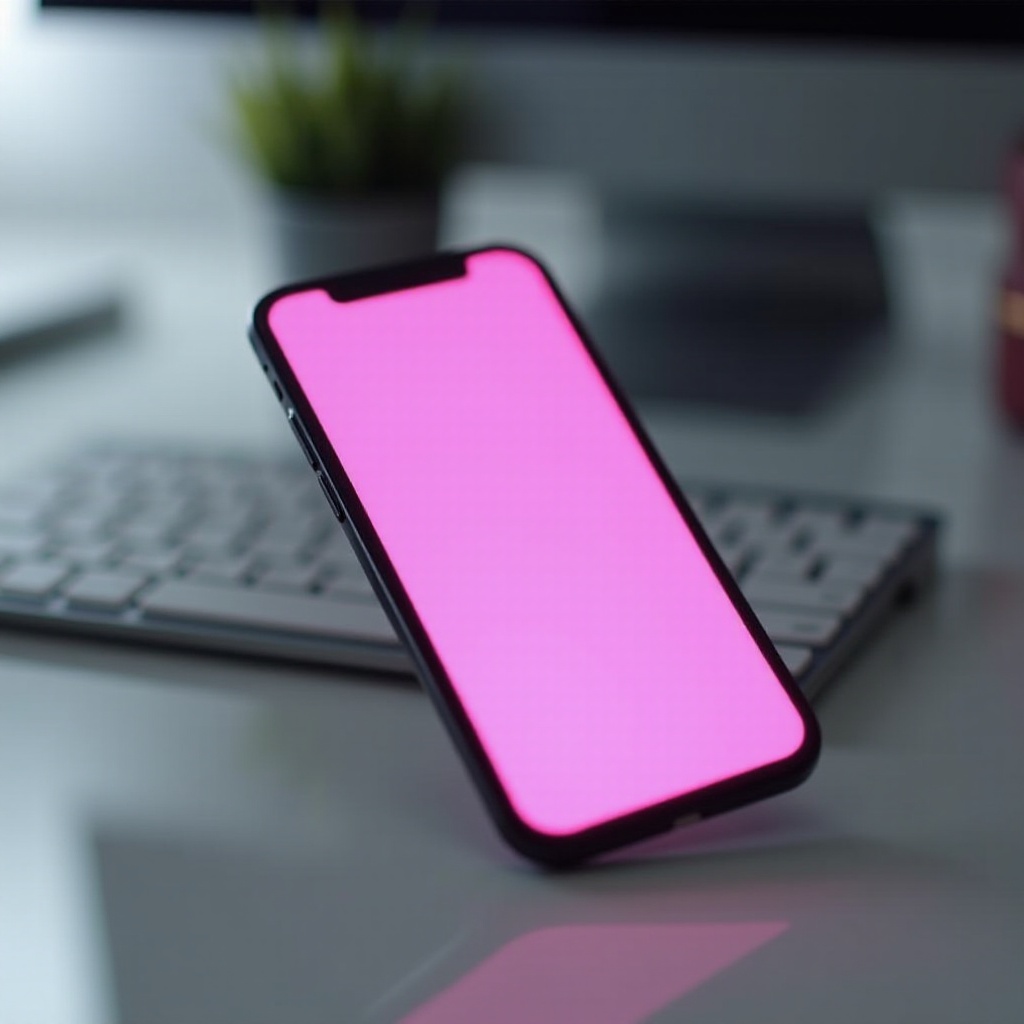
When a phone screen suddenly displays a pink hue, it can be incredibly frustrating and confusing. Users rely on their phones for daily tasks, communication, and entertainment, so addressing a screen issue promptly is vital. In this article, we’ll examine the potential causes of a pink phone screen and offer detailed steps for diagnosing and resolving this problem. Additionally, we’ll provide preventive strategies to help avoid such issues in the future.

Common Causes of a Pink Screen
Understanding what causes a pink screen is the first step towards finding a solution. The origins of this issue can often be categorized into hardware and software-related causes.
Hardware Issues
Physical damage from drops or pressure is a common culprit. Such damage can affect the delicate components of the screen, leading to a pink hue. Check your phone for visible damage signs like cracks or bending, as these may indicate the need for a professional assessment.
Software Glitches
In some cases, the pink screen results from software issues. Recent updates might introduce bugs affecting the display settings. It’s essential to note whether the problem started after a particular update, as rolling back or reinstalling updates can sometimes resolve the issue.
Display Settings
Occasionally, the problem lies within the phone’s display settings. Misconfigurations in the color balance can cause a pink screen. Restoring display settings to their default state can often rectify this issue quickly.
Once you understand the potential causes, the next step involves diagnosing the problem accurately to apply the correct fix.
How to Diagnose the Problem
Before attempting solutions, accurately diagnosing the issue is crucial to avoid unnecessary actions. Here are some steps to help you determine the problem.
Restarting and Resetting
- Restart Your Phone: A simple restart can clear temporary glitches. Turn your phone off, wait a few seconds, then turn it back on.
- Factory Reset: If a restart doesn’t help, consider a factory reset. Ensure all your data is backed up, as this process will erase the device.
Safe Mode Usage
Safe Mode can help identify whether a third-party app is causing the pink screen.
– Enter Safe Mode: Press and hold the power button, then tap and hold ‘Power Off’ to access Safe Mode.
– Test the Display: If the pink hue disappears in Safe Mode, an app is likely the cause.
Testing with an External Display
This step can help determine if the issue is related to hardware or software.
1. Use an HDMI Adapter: Connect your phone to an external display, such as a monitor or TV.
2. Observe the Output: If the external display functions correctly, the problem is likely hardware-related within your phone’s screen.
With a better understanding of the issue’s cause, you can apply targeted solutions to restore your phone’s display.
Solutions to Fix a Pink Screen
Based on your diagnosis, you can employ several solutions to fix the pink screen problem effectively.
Software Fixes
- Update System Software: Ensure your device’s software is up-to-date, as updates can fix known display issues.
- Revert Recent Updates: If a recent software update caused the problem, consider reverting to a previous software version.
Hardware Repairs
If software solutions do not resolve the issue, it may be necessary to address potential hardware problems.
1. Screen Replacement: A damaged screen might require professional replacement. Seek out qualified technicians for this service.
2. Professional Repair Services: For persistent issues, contact your phone’s manufacturer or a certified repair center.
Implementing these solutions can restore your phone’s normal display function. To minimize future risks, consider adopting a few preventive measures.
Preventive Measures to Avoid a Pink Screen
Taking preventive actions can significantly reduce the chances of encountering a pink screen in the future.
Using Protective Gear
Invest in sturdy protective cases and screen protectors to shield your phone from physical impacts that could lead to screen damage.
Regular Software and App Updates
Keep your phone’s software and applications up to date. Updates often include fixes for bugs and performance issues that could affect your device’s display.
By following these preventive strategies, you can help ensure your phone maintains optimal performance and reduces the risk of future screen issues.
Conclusion
Addressing a pink phone screen promptly is crucial for maintaining your phone’s usability and performance. By understanding the causes and applying the appropriate solutions, you can effectively tackle this issue. Consistent care and preventive measures keep your device in optimal condition, reducing the likelihood of future problems.
Frequently Asked Questions
What should I do if my phone screen is still pink after trying all solutions?
If the pink screen persists despite following all solutions, contact a professional technician for further diagnosis and repair.
How can I protect my phone screen from turning pink in the future?
Regularly update your software, use protective cases, and handle your phone carefully to prevent damage that could result in a pink screen.
Is a pink screen covered under warranty?
Warranty coverage depends on the cause of the pink screen. If it results from a manufacturing defect, it might be covered. Check your warranty terms for details.