
Introduction
Water in your phone screen can cause anxiety, as even a minor water exposure might disrupt functionality. Whether from an unexpected spill, accidental drop, or sudden rainstorm, water can cause significant harm to your phone’s screen. Immediate response is critical. This guide covers essential steps to identifying water damage signs and effective removal methods, alongside preventive measures to protect your device in the future.
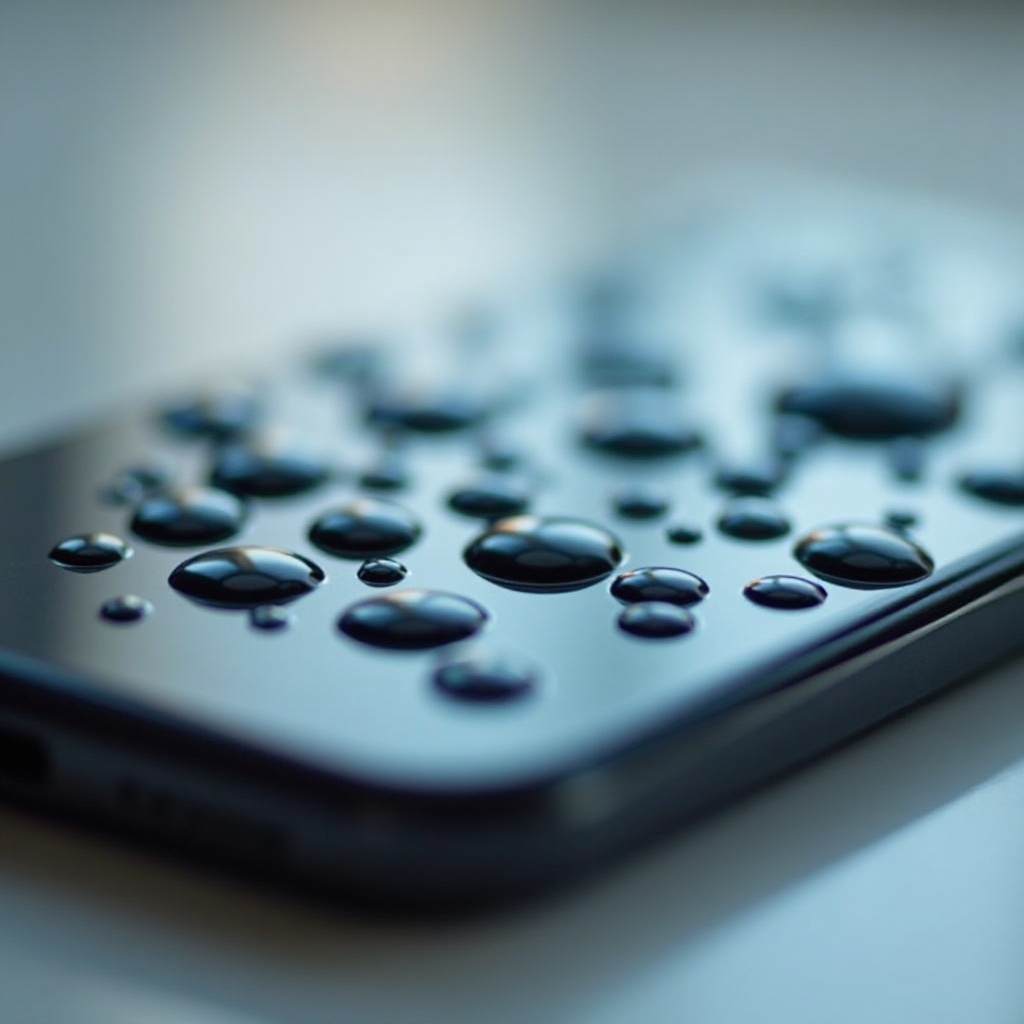
Signs of Water Damage in Your Phone Screen
Identifying the signs of water damage promptly can save your device from further harm. Often, screens affected by water display fogginess, unresponsive touch functions, or distorted visual lines. In some instances, moisture may manifest as droplets beneath the glass. Understanding these indicators allows you to take swift action.
Immediate Actions to Prevent Further Damage
The moment you suspect water has penetrated your phone screen, you need to act decisively:
- Power Down Immediately: Turning off the device helps prevent electrical shorts and future damage.
- Remove SIM and SD Cards: Safeguard your data by promptly removing these components.
- Avoid Bad Practices: Resist the urge to dry with heat sources like hairdryers, which might cause additional problems.
These immediate steps will stabilize your phone before you initiate effective drying strategies.

Effective DIY Water Removal Methods
Once you’ve stabilized your phone, opt for these DIY drying techniques:
-
Rice Method: A common tactic involves immersing the phone in a bowl of uncooked rice. While somewhat effective, rice might not be the best option.
-
Using Silica Gel: More effective alternatives include silica gel packets, which can be placed with the phone in a sealed bag or container for better moisture absorption.
-
Disassembly Drying: Carefully opening the phone allows direct access to moisture-affected areas. While risky, it enables thorough drying.
The choice of method depends on availability and your comfort handling electronics.
When to Seek Professional Assistance
If DIY measures don’t resolve your phone’s issues, professional repair may be necessary. Persistent display problems or continued unresponsiveness signify deep-seated damage needing expert care. Seek professional help if:
- Display Issues Linger: Continued distortion or functionality issues persist.
- Performance Problems Persist: New or ongoing problems, despite drying attempts.
Technicians have tools and expertise to tackle severe damage, ensuring your phone’s revival.
Preventive Measures for Future Protection
After recovering your phone from water damage, consider these preventive actions:
- Use Waterproof Cases: Protect your device with durable, waterproof cases.
- Apply Screen Protectors: High-quality protectors provide an additional safety layer.
Preventive strategies reduce future risks, offering peace of mind while keeping your device safe.
Conclusion
Facing water damage in a phone screen demands prompt action, comprehensive care, and future protection strategies. Identifying damage signs early and employing the right drying techniques can restore your phone. For persistent issues, don’t hesitate to seek professional help, and ensure preventive measures to safeguard your device moving forward.
Frequently Asked Questions
How long should I leave my phone in rice?
Leave your phone in rice for at least 48 hours. Consider silica gel for better moisture removal.
Can water damage cause permanent display issues?
Yes, without timely intervention, water can cause lasting damage to your phone’s display.
Is it safe to use a hairdryer to dry my phone?
No, using a hairdryer can cause further damage due to excessive heat. Stick to safe methods like silica gel.