
Introduction
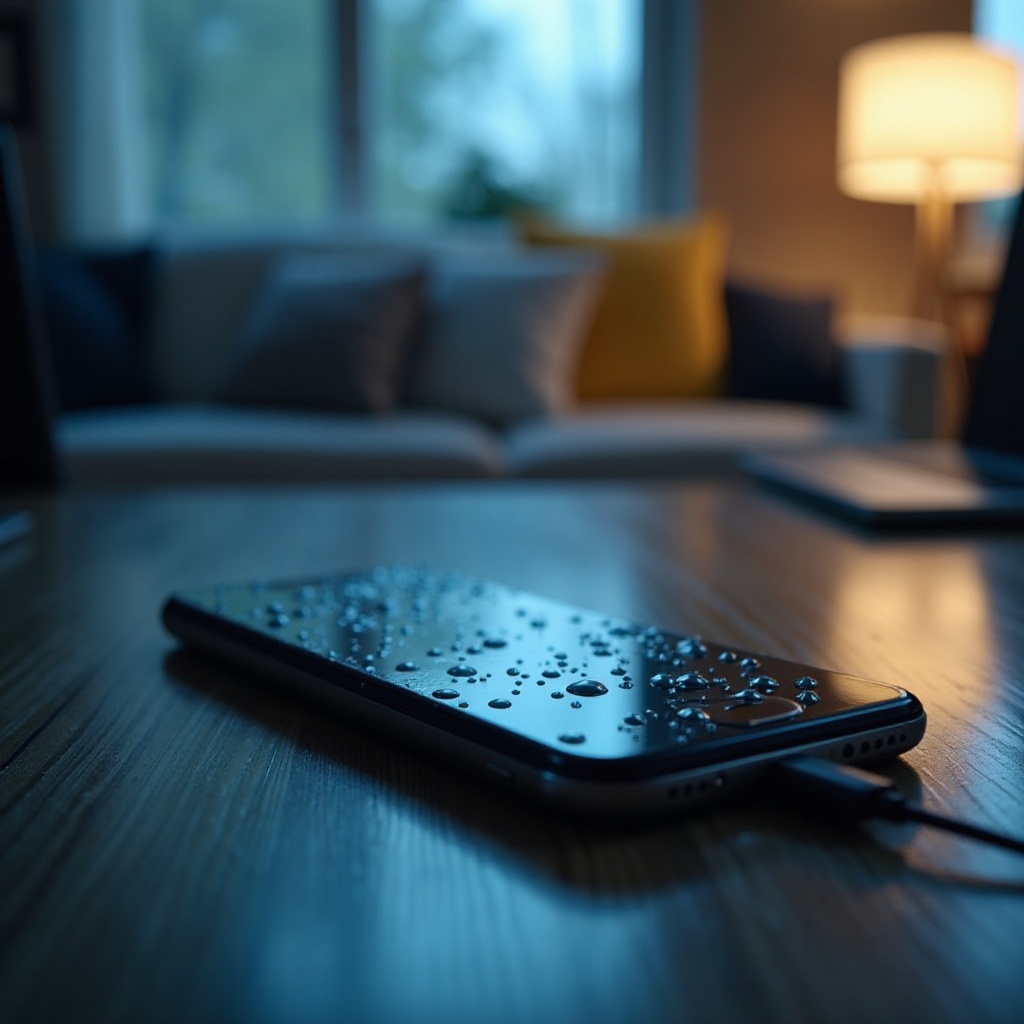
Phones are our lifelines, so it can be panic-inducing when they get wet and stop charging. Whether it’s a fall into the pool or an unexpected rainstorm, that moisture can wreak havoc if not addressed quickly. Knowing the right steps to deal with a wet phone can prevent serious damage and even save your device from permanent failure. This guide will walk you through essential action steps and long-term prevention measures to keep your phone functional and protected.
Immediate Steps to Take
As soon as your phone encounters water, acting immediately is crucial to minimize any potential damage.
- Power Off the Device: Turn off your phone straight away to avoid any short circuits or internal damage.
- Remove Accessories and Cases: Detach cases, headphones, or any connected accessories to assist in the drying process.
- Drain Excess Water: Hold your phone upright and gently shake it to expel any trapped water.
By handling your device with care and precision, you can reduce the risk of deep internal moisture absorption that may cause charging issues.
Effective Drying Techniques
Having removed immediate water exposure, focus on thoroughly drying your device. Effective techniques can make all the difference.
- Air Drying Tips: Position your phone in a dry, well-ventilated space. Ensure it’s not placed in direct sunlight which might lead to overheating.
- Utilizing Silica Gel: Place the phone in an airtight container with silica gel packets for optimal moisture absorption.
- Rice Method: This folk remedy is often less effective than silica gel, but it can be used in a pinch if other materials aren’t available.
These techniques require patience. Typically, a waiting period of 24-48 hours helps ensure complete drying. Avoid the temptation to turn your phone back on too soon.
Understanding Charging Problems Post-Exposure
Sometimes, even a thoroughly dried phone might refuse to charge. Understanding potential charging issues can guide you towards a solution.
- Damage to Charging Port: Water can corrode or short-circuit the charging port, disrupting connections.
- Potential Battery Issues: A compromised battery might inhibit charging properly. These issues often manifest as slow or sporadic charging responses.
- Corrosion and Its Effects: Moisture can gradually corrode connectors and circuits, reducing your phone’s ability to charge over time.
Identifying and understanding these areas of concern will help you decide on appropriate actions, saving your device from more serious threats.
Troubleshooting Methods
After ensuring your phone is dry, troubleshooting might be the key to reviving the charging function.
- Inspect and Clean the Charging Port: Use a dry, soft-bristled brush or compressed air to clean out any dirt or corrosion from the charging port.
- Testing with Different Cables and Adapters: Rule out faulty accessories by testing your phone with other compatible cables and adapters.
- Performing Soft Resets: Check for software glitches by performing soft resets as per your phone’s manual instructions.
Implementing these methods can often resolve charging issues, but persistent problems may signal the need for professional advice.
When to Seek Professional Help
If troubleshooting fails to restore charging functionality, professional assistance might be required.
- Recognizing Persistent Issues: Pay attention to ongoing problems like charging inconsistencies or overheating, which signal deeper troubles.
- Warranty and Repair Options: Examine your warranty for coverage, and consider manufacturer or certified repair centers for professional evaluations.
Seeking expert intervention not only solves technical issues but also ensures essential parts of your phone are correctly diagnosed and serviced.

Preventing Future Water Damage
Adopting preventive strategies can save you from facing the problem of water-damaged, non-charging phones again.
- Using Waterproof Cases: Invest in durable waterproof cases to protect your phone from unexpected water exposure.
- Awareness of Risky Environments: Be mindful of scenarios where water exposure is likely and have protective measures in place.
- Assembling a Quick Response Kit: Keep a compact kit with essentials like silica gel packets and microfiber cloths for emergencies.
By taking proactive steps to safeguard your phone, you minimize the likelihood of dealing with such distressing situations in the future.
Conclusion
While a phone getting wet and refusing to charge can be incredibly frustrating, following the right steps can often bring it back to life. By acting swiftly, using effective drying techniques, and implementing proper troubleshooting, you can often resolve the issue on your own. Remember, preventative strategies play a crucial role in protecting your device and preserving its longevity.
Frequently Asked Questions
Can I use a blow dryer to dry my phone?
No, blow drying can push moisture further into the phone and cause overheating damage. Stick to air drying and silica gel methods.
How long should I leave my phone in silica gel?
Leave your phone in silica gel for at least 24-48 hours to ensure thorough moisture absorption.
What should I do if my phone still won’t charge after drying it?
If drying and troubleshooting are ineffective, consult a professional for a detailed inspection and potential repairs.