
Introduction
Having issues with remote buttons not working on your TV can be incredibly inconvenient, disrupting your viewing experience. This guide will take you through the most common causes and the steps you can take to resolve these issues effectively. From basic checks to exploring new technology, you will find solutions that restore your remote’s functionality.
Common Causes of Remote Control Issues
Before jumping to conclusions, let’s take a look at some of the usual suspects when it comes to remote control problems. Understanding what might be wrong is crucial to finding the right fix.
-
Battery Problems: Often, the simplest explanation is the correct one. Dead batteries or improperly installed ones often cause remote issues. Check if the batteries are seated correctly, and replace them if necessary.
-
Signal Interference: Infrared signals, which most remotes use, can be blocked by obstacles or interrupted by other electronics. By ensuring that there is a clear line of sight between the remote and the TV, you reduce the chance of interference.
-
Physical Damage: Remotes can be fragile, and drops or spills can cause internal damage. Inspect your remote for any visible signs of damage that could be affecting its functionality.
Identifying these key areas helps lay the groundwork for troubleshooting. Let’s move on to some practical steps you can take.
Basic Troubleshooting Steps
Start with these basic yet often effective steps to get your remote working again.
-
Checking and Replacing Batteries: Open the battery compartment to ensure the batteries are making the necessary contact. Replace them with fresh batteries, ensuring that you use the correct type.
-
Ensuring a Clear Line of Sight: Make sure there are no obstructions between the remote and the TV. Standing at an optimal distance can help the infrared signal reach your TV without issues.
-
Testing with Another Device: If possible, use your remote with another TV or device. If it works, the issue may lie with the original TV.
By following these basic steps, many common issues can be resolved. If your remote still isn’t working properly, you might need to try some more advanced solutions.
Advanced Solutions for Persistent Problems
If your remote problems persist, consider these advanced solutions to address deeper issues.
-
Reprogramming Your Remote: Some remotes may need reprogramming. This often involves pressing a series of buttons to reset the remote’s connection with the TV.
-
Resetting the TV and Remote Pairing: Unplug the TV from the power source for a few minutes and then reconnect it. Sometimes, re-syncing the remote and TV by following specific instructions can resolve the problem.
-
Consulting the User Manual and Manufacturer Support: If you have tried both basic and advanced steps without success, refer to your specific remote’s manual or contact customer support for tailored help.
These advanced techniques can be particularly helpful for stubborn issues that don’t respond to the basics. As we explore technology further, let’s consider some new solutions available in the market.
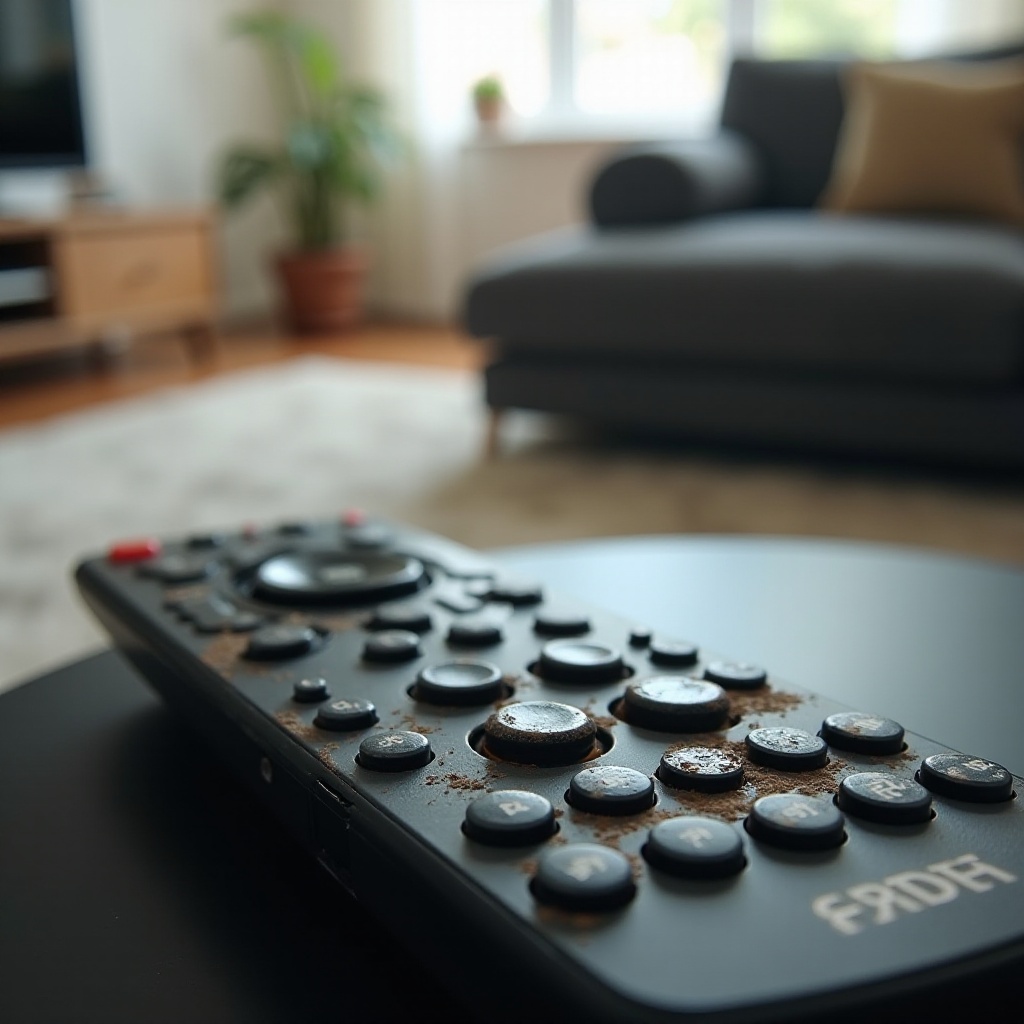
Exploring New Technologies in Remote Controls
The world of remote controls has seen significant advancements. New technology offers improved solutions which may circumvent common issues entirely.
-
Smart Remote Controls: These remotes use Bluetooth or Wi-Fi, often overcoming the issues faced by traditional infrared remotes. They can connect with multiple devices, offering seamless integration with smart home systems.
-
Universal Remote Options: An option worth considering for those with multiple devices or brands, universal remotes can be programmed to control a wide range of electronics. They can simplify your home entertainment system setup.
Modern remotes present solutions that can potentially eliminate the problems associated with older models. As we move forward, maintaining your remote can prevent recurring issues.
Preventive Measures to Avoid Future Issues
Taking preventive steps ensures the longevity of your remote control and can help you avoid future problems.
-
Regular Maintenance Tips: Keep your remote clean to prevent dust from affecting the buttons and internal components. Regularly check and replace batteries to ensure they don’t leak and impair the remote’s functionality.
-
Choosing Quality Replacement Parts: When parts need replacing, opt for high-quality batteries and components that are compatible with your remote. This practice helps maintain the device’s efficiency over time.
Incorporating these preventive measures can safeguard your remote’s performance, minimizing the chance of future disruptions.
Conclusion
Dealing with remote button issues is a common but fixable problem. By addressing common causes, applying basic and advanced troubleshooting techniques, and exploring technological advances, you can restore your remote’s functionality efficiently. Pair these solutions with regular maintenance to ensure that your remote continues to operate smoothly and effectively.
Frequently Asked Questions
How do I know if my remote is broken or if it’s the TV?
Test the remote with another compatible TV or device. If it works elsewhere, the issue may be with your TV.
Can a universal remote be programmed for any TV?
Most universal remotes can be programmed to work with a wide range of TV brands and models. Check the compatibility list provided by the manufacturer.
What should I do if the remote works intermittently?
Ensure the remote has fresh batteries, and there’s no signal obstruction. If the issue persists, consider resetting the TV and remote or exploring smart remote options.