
Introduction
A flashing white light on your Sharp TV can disrupt your viewing experience and indicate an underlying issue. But there’s no need to worry – most causes can be addressed with a bit of troubleshooting. In this guide, we’ll walk you through potential causes and solutions to restore your TV’s functionality.
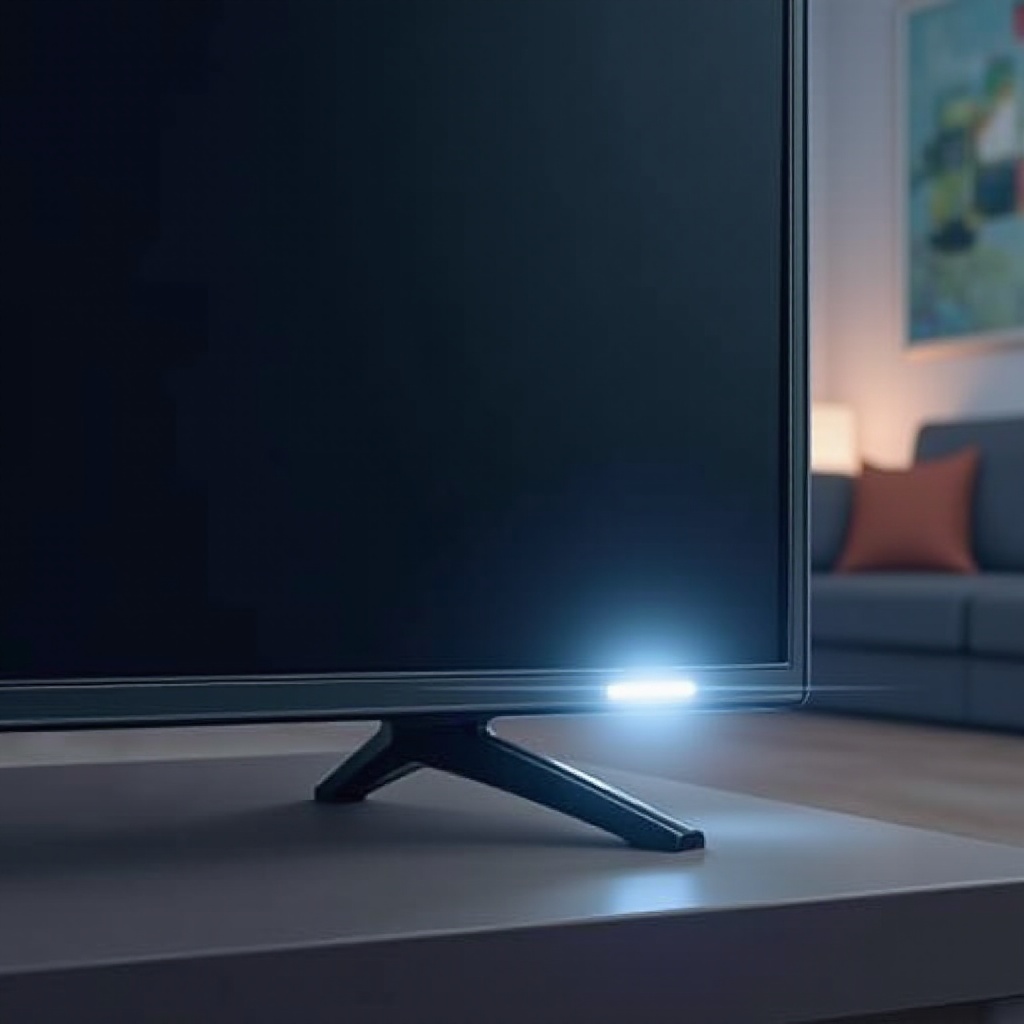
Understanding the Flashing White Light on Sharp TVs
The white LED light on your Sharp TV acts as a diagnostic tool. When it flashes, it signals an operational issue that requires attention. This behavior could stem from various reasons like software glitches, hardware malfunctions, or power supply inconsistencies. Let’s understand these triggers to approach each solution systematically.
Recognizing these potential causes is crucial, as it helps guide you through the appropriate troubleshooting steps. Now, let’s explore common causes of a flashing white light, which will aid in your diagnostic process.
Common Causes of Flashing White Light
Power Supply Issues
One primary reason for a flashing white light is an unstable power supply. If your TV isn’t receiving consistent electricity, it may flash the white light to warn you.
Software and Firmware Glitches
Software or firmware discrepancies can also cause flashing. If the software isn’t regularly updated, expect erratic behavior, including flashing lights.
Hardware Malfunctions
Internal hardware faults, affecting components like the backlight or the main control board, can also cause the white light to flash. Such issues typically require professional assistance.
With these potential issues identified, we can now proceed to a step-by-step guide that will help you troubleshoot and resolve the flashing white light problem.
Step-by-Step Troubleshooting Guide
Follow these steps in sequence to tackle the issue effectively without professional help:
- Checking External Connections:
- Examine power cables and connections for damage.
-
Ensure all cables, including HDMI, are firmly plugged in to prevent disruptions.
-
Updating Firmware and Software:
- Check the Sharp website or TV’s menu for software updates.
-
Follow the instructions to install updates and ensure smooth operation.
-
Performing a Factory Reset:
- Access the settings menu on your TV.
- Select ‘Factory Reset’ to restore default settings and address software glitches.
If these measures don’t solve your problem, it might be time to contact professional repair services for further assistance.
When to Contact Professional Repair Services
While many issues can be resolved at home, persistent flashing or hardware failure signs may necessitate expert intervention. Consider contacting a certified Sharp technician if:
- The TV remains unresponsive after a factory reset.
- There is visible physical damage to the TV or its components.
- Earlier solutions worked temporarily, but the issue recurs.
Getting professional help ensures accurate diagnosis and repair of complex hardware problems, saving you time and inconvenience.
Preventative Measures to Avoid Future Issues
To prevent future blinking light scenarios, regular maintenance is crucial.
Regular Maintenance Tips
- Dust the TV and its components regularly to prevent overheating.
- Keep the software updated for security and performance enhancements.
Environmental Considerations
- Avoid placing the TV near strong magnets that could interfere with its electronics.
- Ensure the room is well-ventilated to prevent overheating.
Incorporating these preventive measures into your TV care routine will significantly reduce the risk of future disruptions.
Conclusion
Dealing with a flashing white light on your Sharp TV can be straightforward if approached methodically. The key is identifying whether the issue is power, software, or hardware related. Many solutions can be handled at home, while persistent issues may require professional expertise. Regular maintenance and preventive measures are essential to prevent future problems, ensuring uninterrupted enjoyment of your TV.
Frequently Asked Questions
Why is my Sharp TV white light flashing continuously?
Continuous flashing indicates an unresolved issue, potentially with power, software, or hardware. Follow the troubleshooting steps to identify the specific cause.
How do I reset my Sharp TV to factory settings?
To reset, access the TV menu, navigate to settings, and select ‘Factory Reset.’ Follow on-screen prompts to complete the process.
What should I do if troubleshooting doesn’t resolve the issue?
If troubleshooting is ineffective, it is advisable to contact professional repair services to address possible hardware malfunctions.